 TBoost
TBoost
TBoost
Every tool, tweak and optimizer inside TBoost — sorted by category. Click a button below to explore.
The main control center, cleaners, and quick performance checks available to everyone.
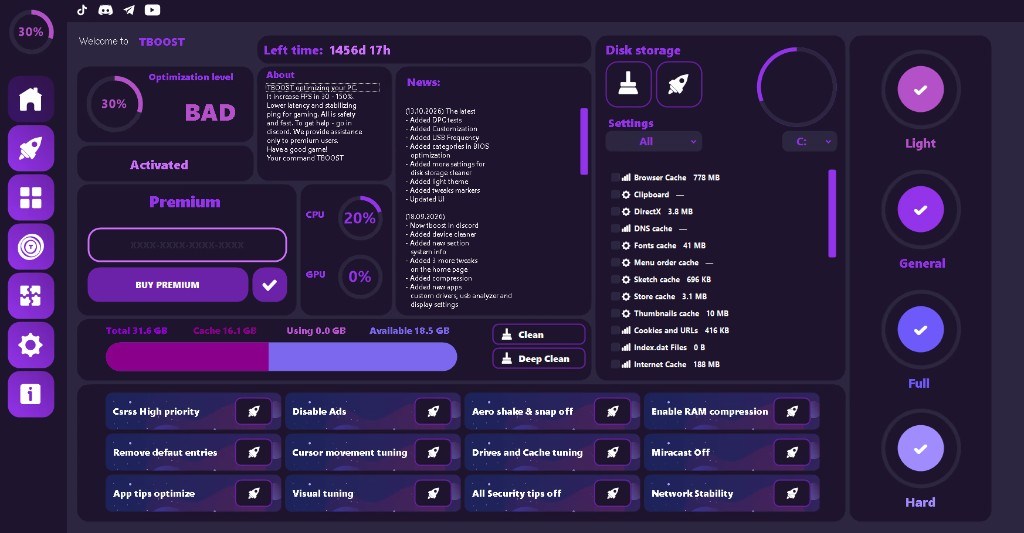
Live CPU / GPU / RAM / disk overview, one-click clean, quick tweaks, news and social links — everything in one place.
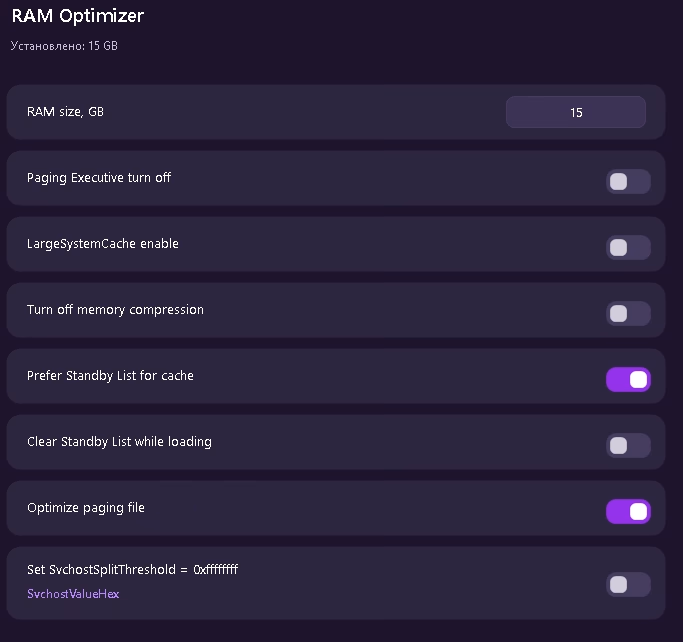
Paging executive, large system cache, memory compression, standby list and SvchostSplitThreshold controls.
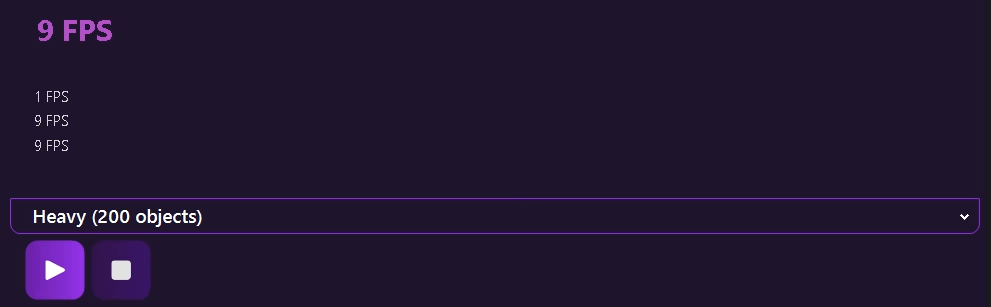
Built-in frame-rate tester with light / heavy scenes so you can measure the real impact of your tweaks.
Deep hardware-level optimizers for CPU, GPU, RAM, power plans and per-game process control.
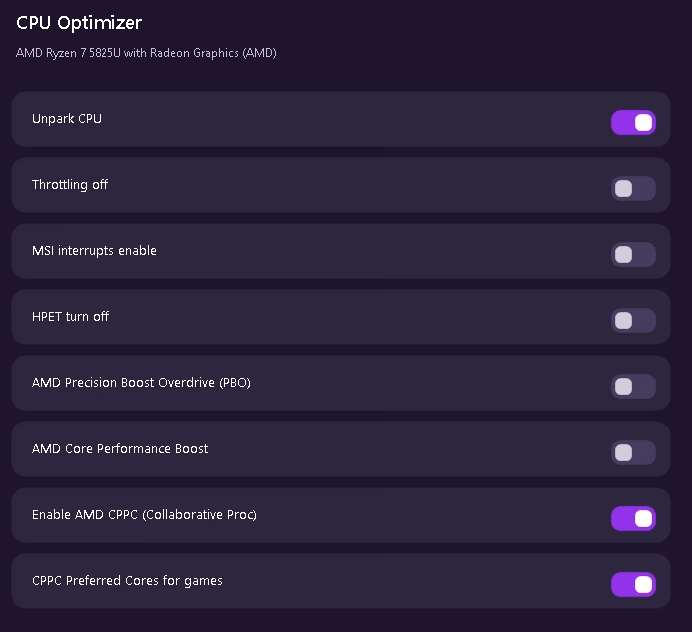
Unpark cores, disable throttling, MSI interrupts, HPET, PBO, Core Performance Boost, CPPC and preferred cores for games.
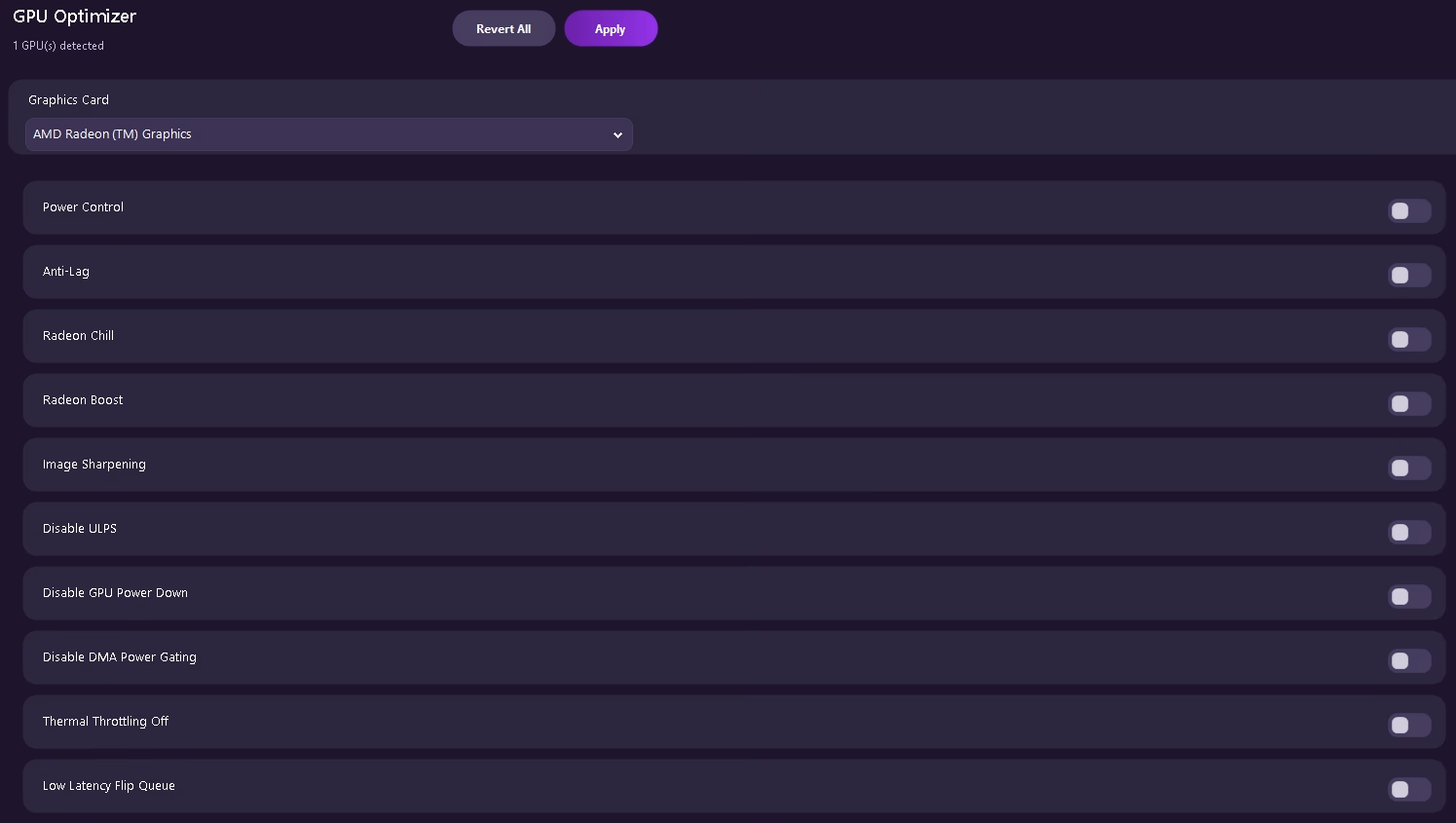
Power control, Anti-Lag, Radeon Chill / Boost, image sharpening, ULPS, DMA power gating, thermal throttling and low-latency flip queue.
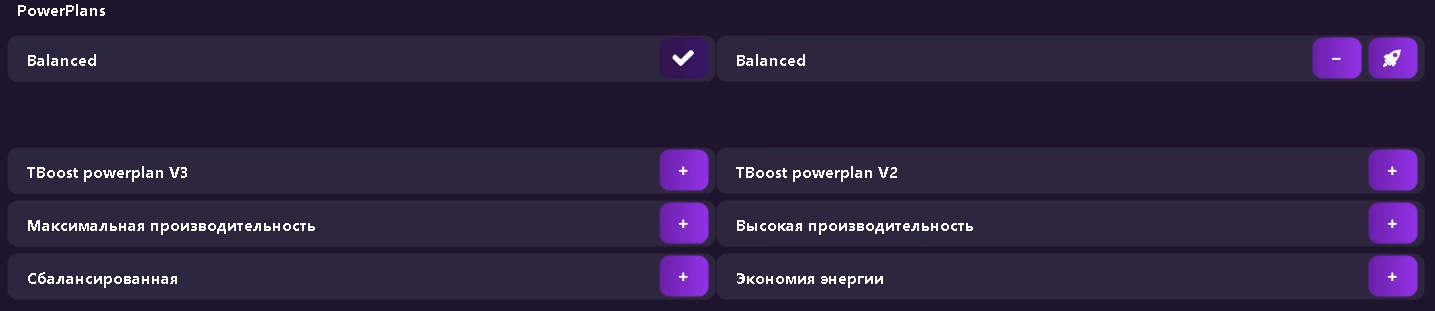
Switch between Balanced, High Performance, Power Saver and exclusive TBoost power plans with one click.
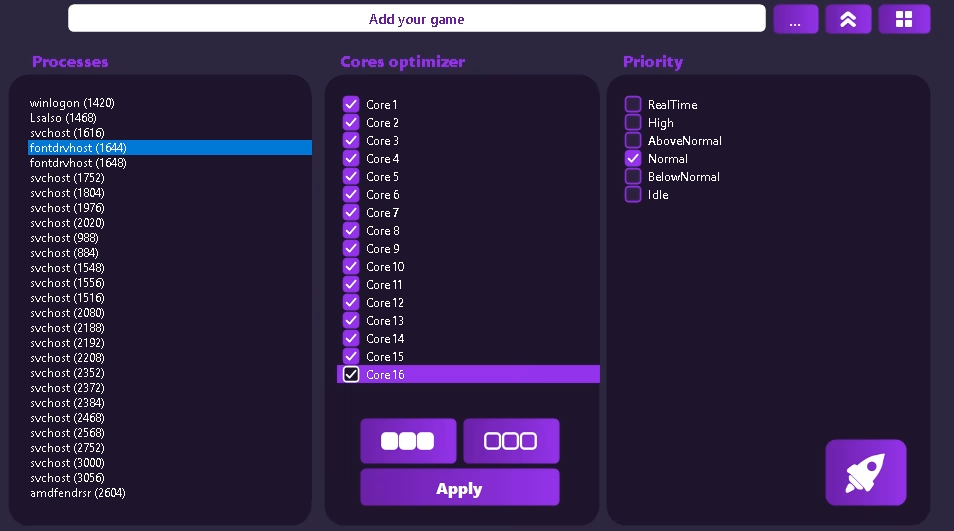
Per-process core affinity and priority control. Pin games to specific cores and set RealTime / High priority instantly.
Hundreds of one-click system, privacy, network and gaming tweaks organized by tier.
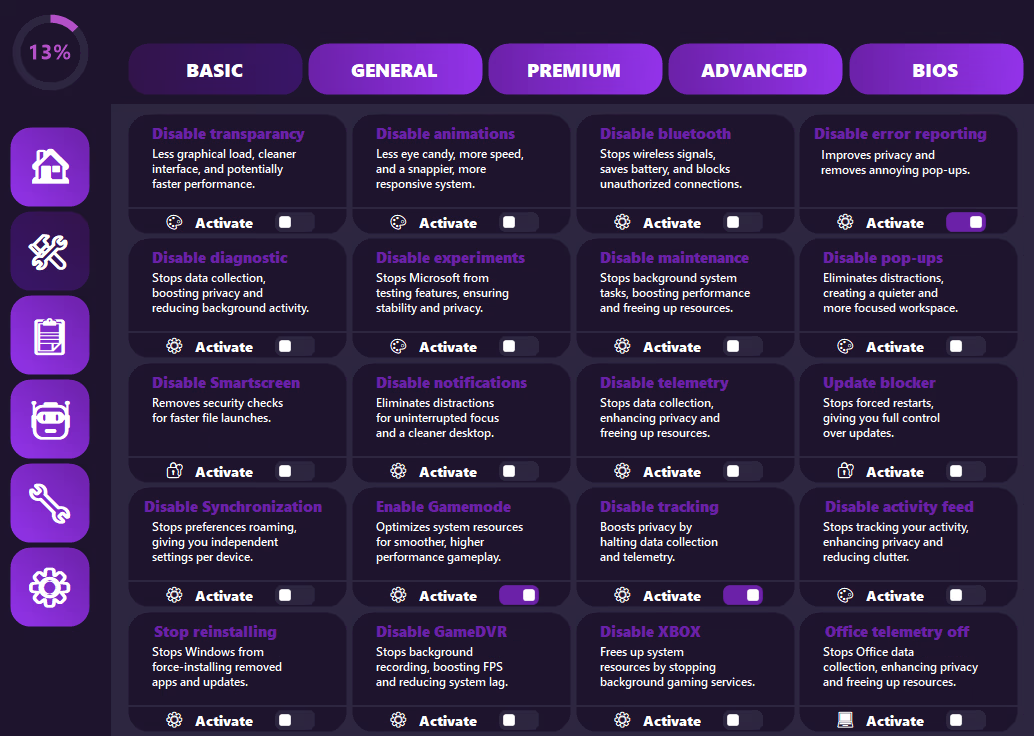
Mouse, keyboard, telemetry, Game Mode, Cortana, Xbox services, animations and everyday annoyances.
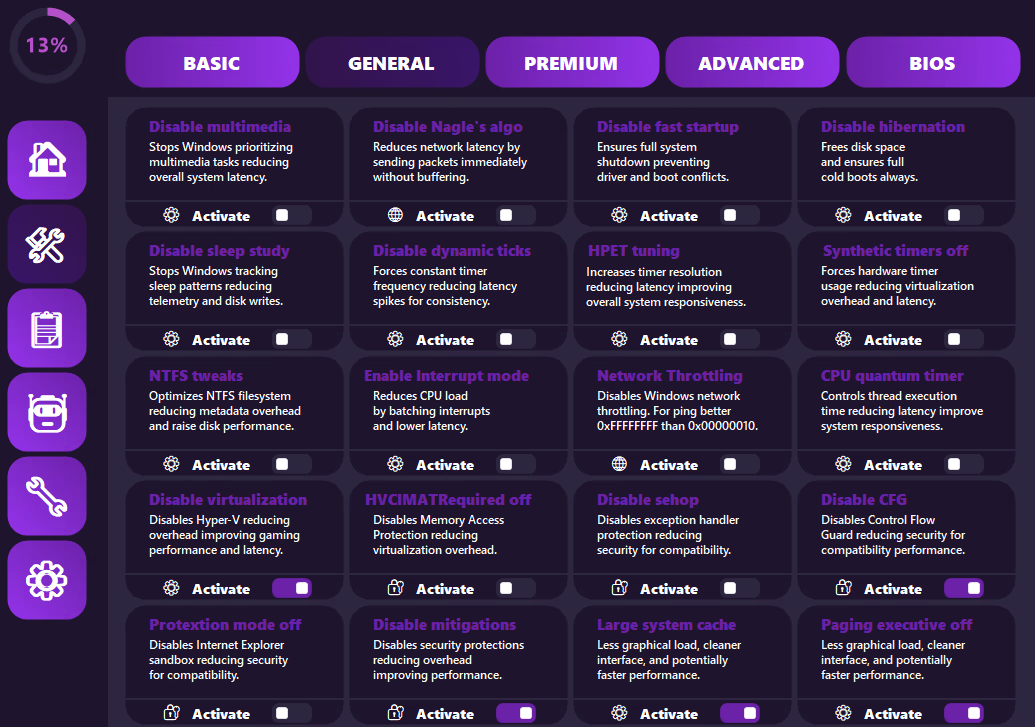
Network discovery, mitigations, virtualization, HPET, privacy, pagefile, prefetch, Nagle and more.
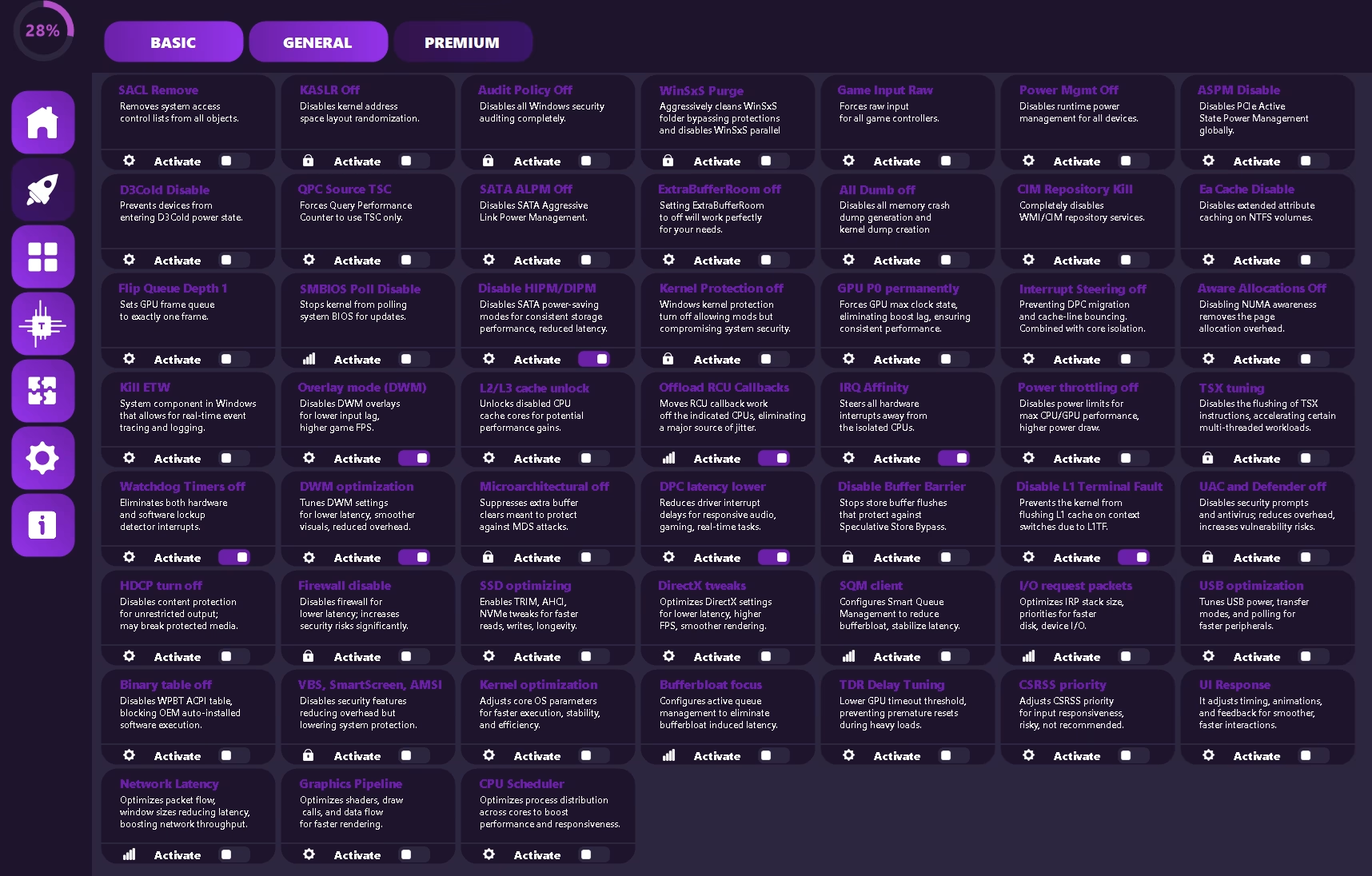
Deep kernel, DPC, IRQ, bufferbloat, DirectX, SSD, GPU P0, TSX, UAC/Defender and latency-focused switches.
Startup, services, scheduled tasks, device cleanup, interrupt affinity and MSI mode.
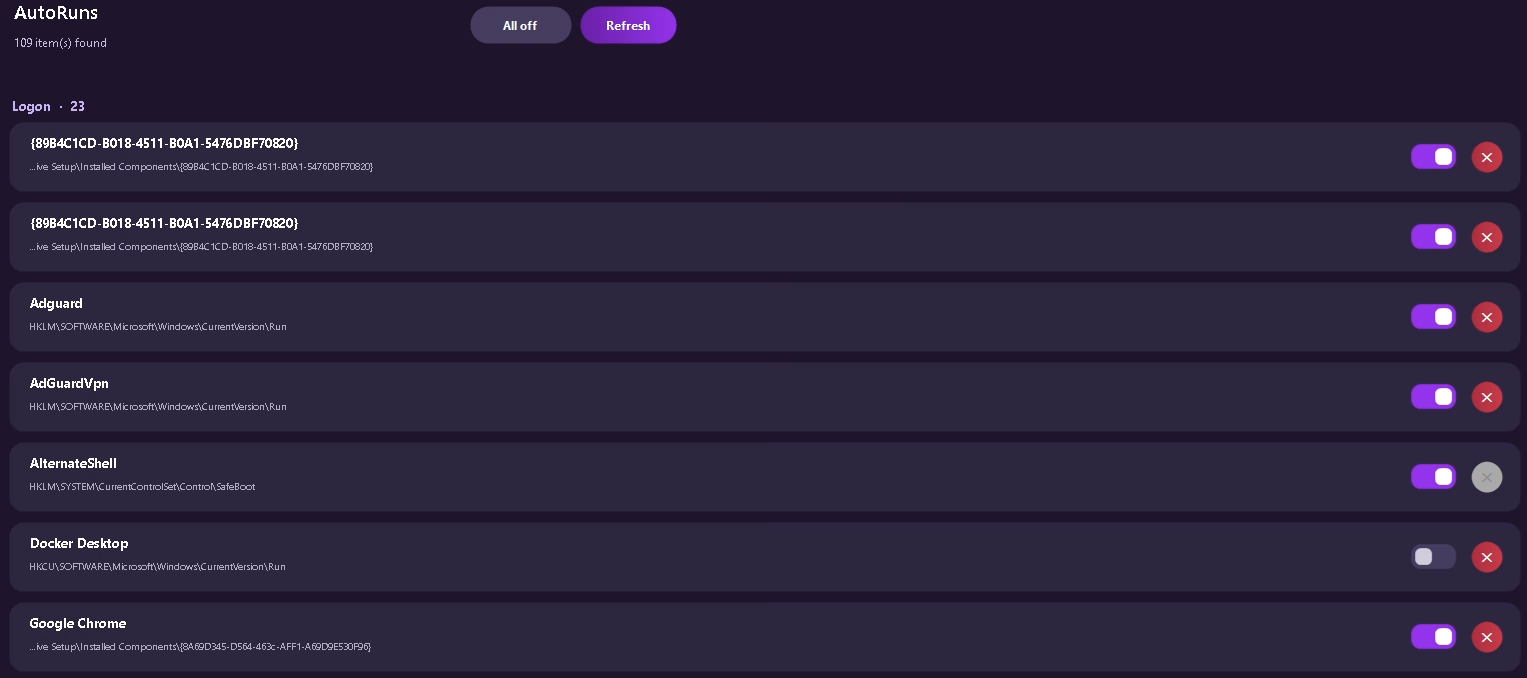
Full startup manager — Logon, services, scheduled tasks and more. Toggle or delete entries with one click.
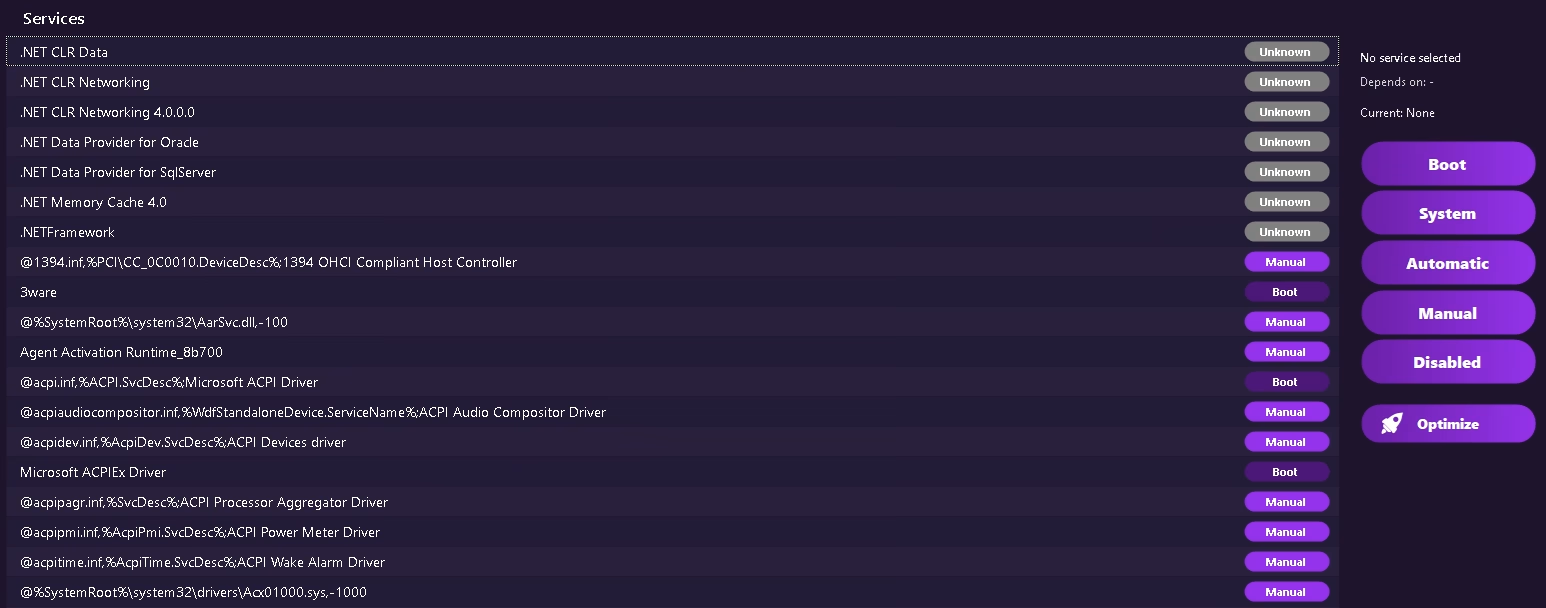
Browse every Windows service, change startup type (Boot / System / Automatic / Manual / Disabled) and optimize in bulk.
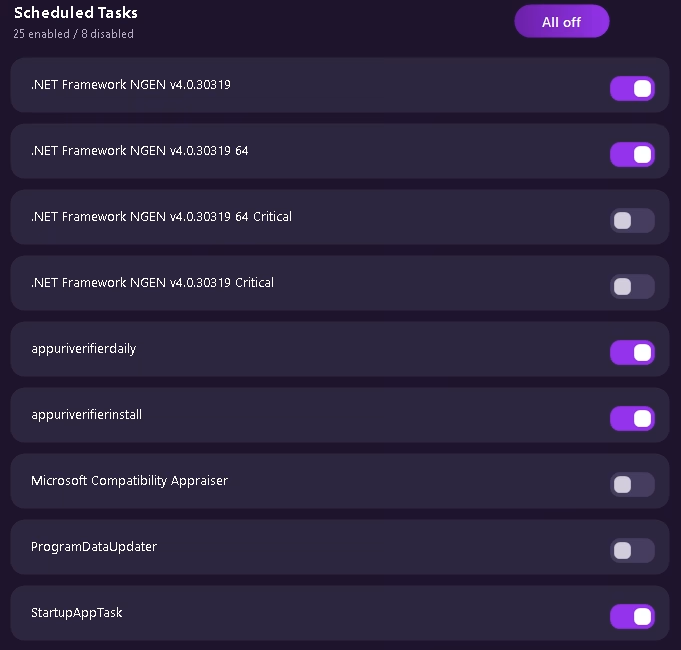
Enable or disable Windows scheduled tasks that waste resources in the background.
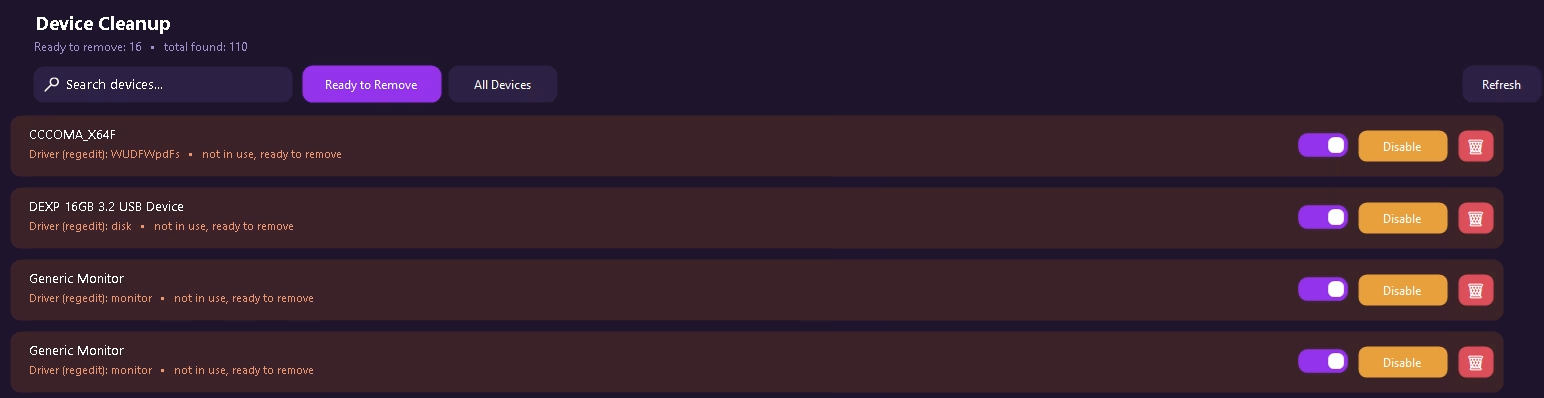
Find and remove ghost / unused device drivers that clutter the system and can cause conflicts.
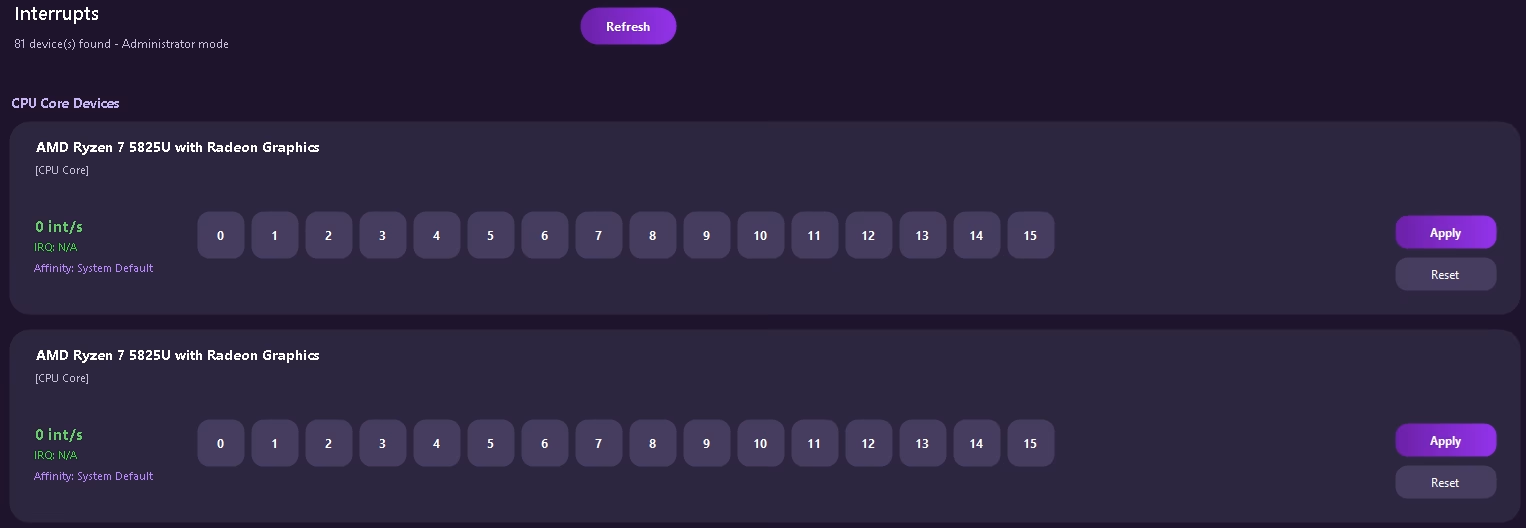
Pin device interrupts to specific CPU cores for lower DPC latency and more consistent frame times.
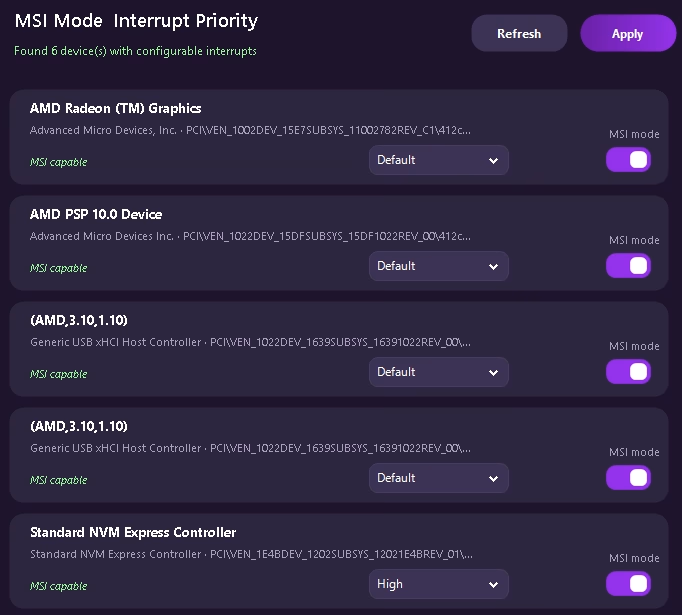
Enable Message Signaled Interrupts and set priority (Default / High) for GPUs, NVMe and USB controllers.
DNS testing, custom display timings, USB latency analyzer and more.
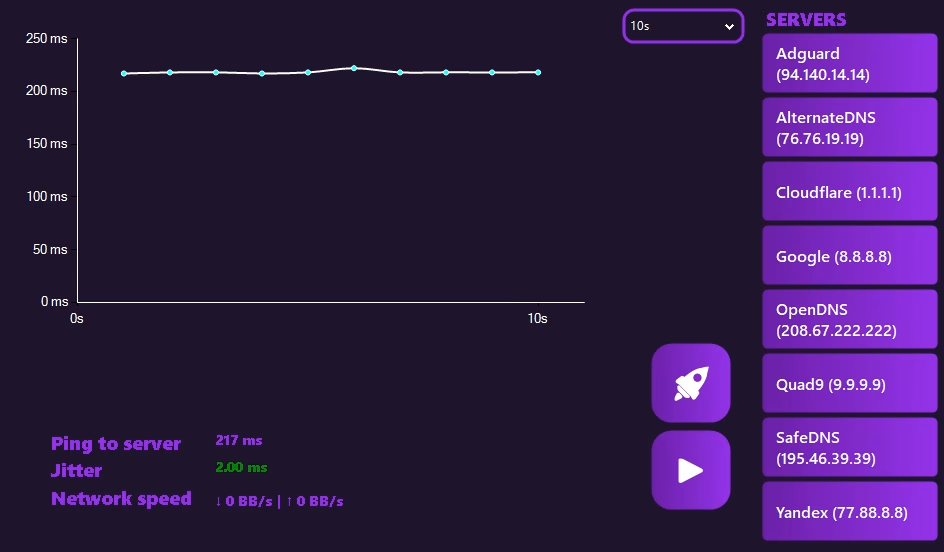
Live latency graph to popular DNS servers (Cloudflare, Google, AdGuard, Quad9…). Measure ping, jitter and speed.
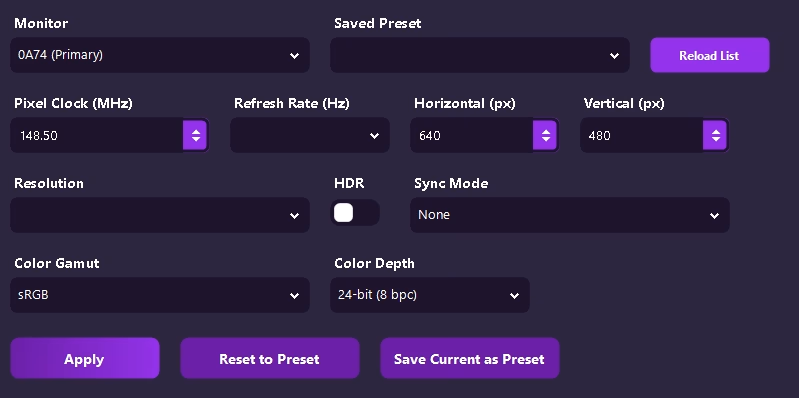
Custom pixel clock, refresh rate, resolution, HDR, sync mode, color gamut and depth. Save and load presets.
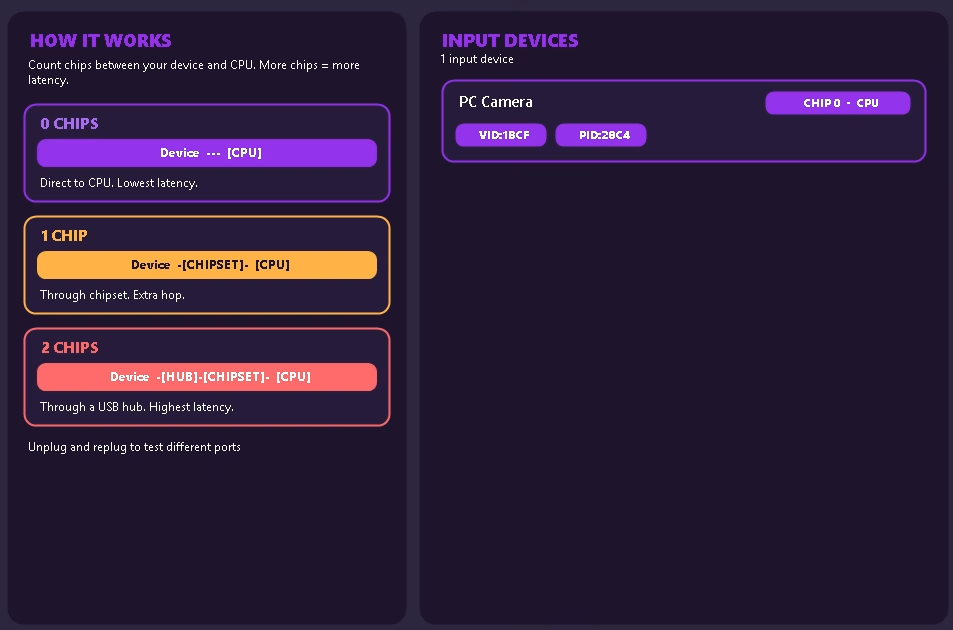
See how many chips (hops) sit between your mouse/keyboard and the CPU. Lower hop count = lower input latency.
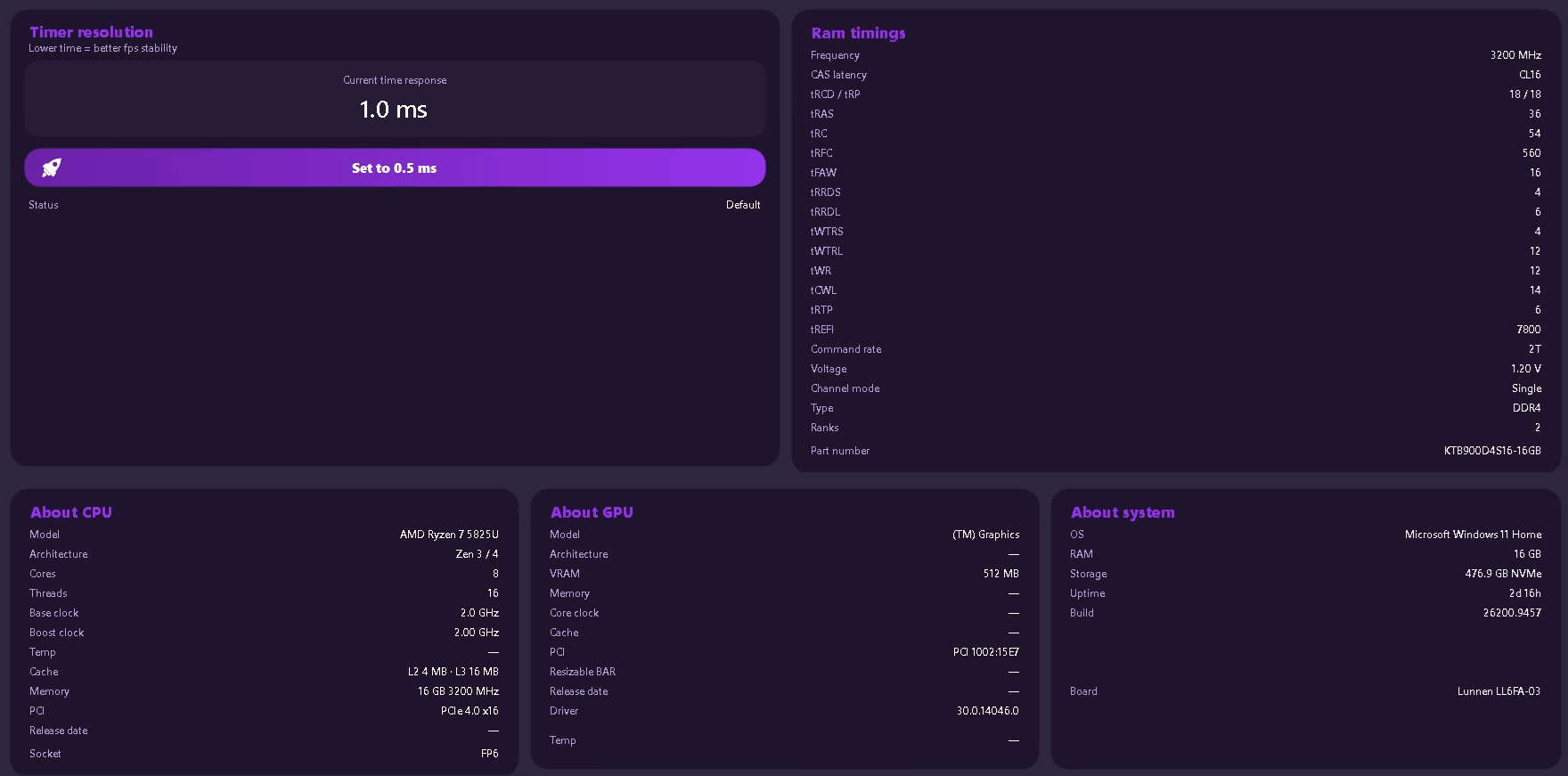
Timer resolution control (tune timer), full RAM timings, CPU / GPU / system specs in one clean panel.
Boot configuration and low-level power / device settings without entering the real BIOS.
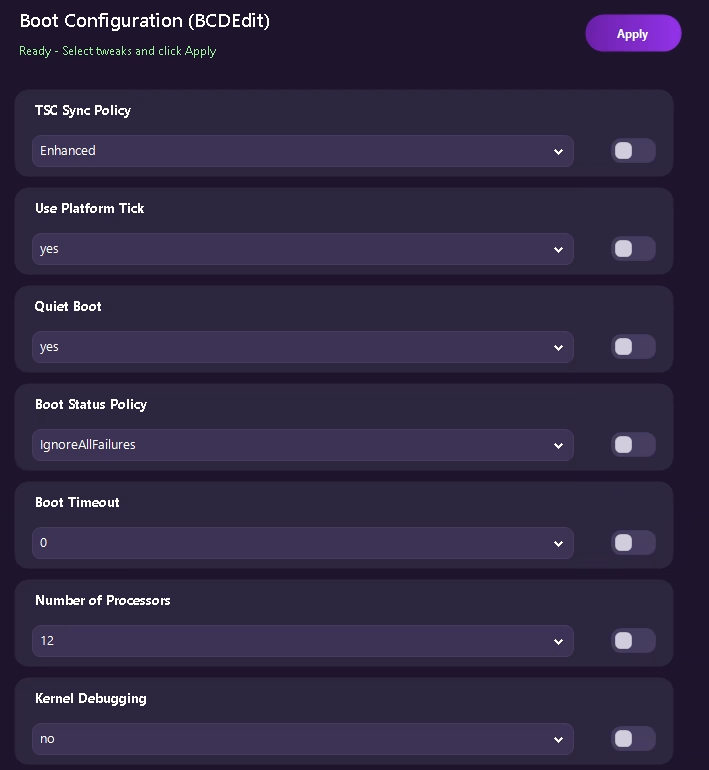
TSC Sync Policy, Platform Tick, Quiet Boot, Boot Status Policy, Timeout, Number of Processors, Kernel Debugging — apply safely.
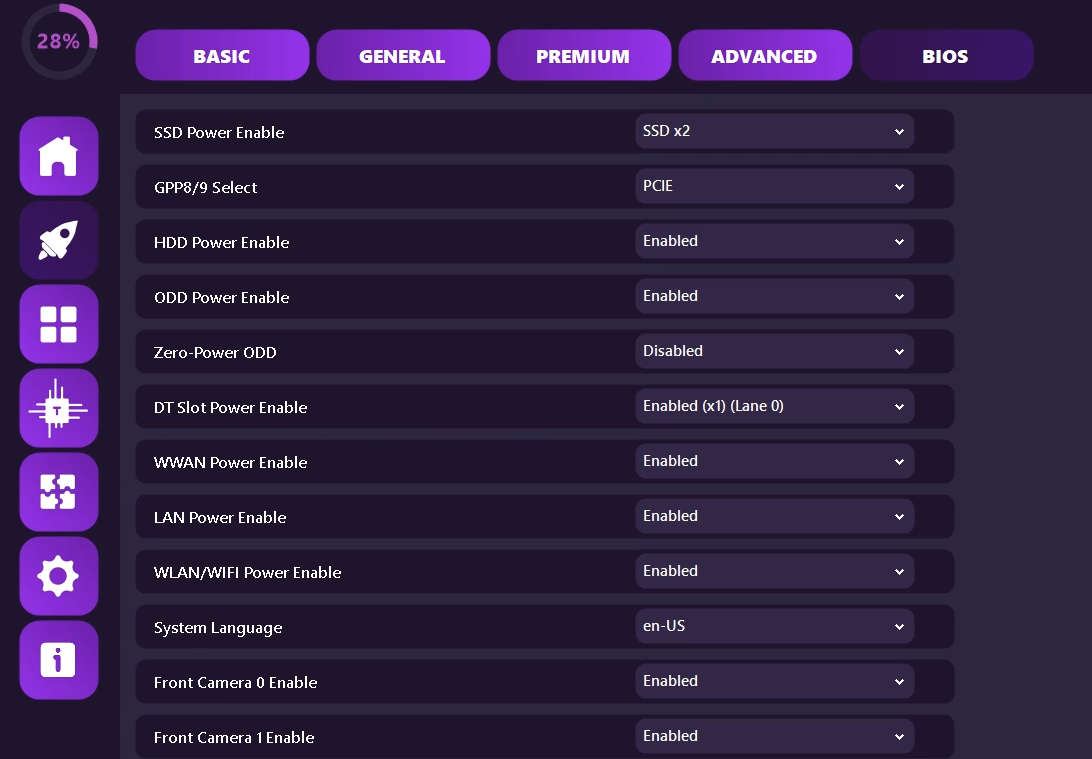
SSD / HDD / ODD power, GPP lanes, DT Slot, WWAN, LAN, WLAN, cameras, language and other low-level toggles.
Macros, custom drivers, problem solvers, game profiles, AI helper and settings / backups.
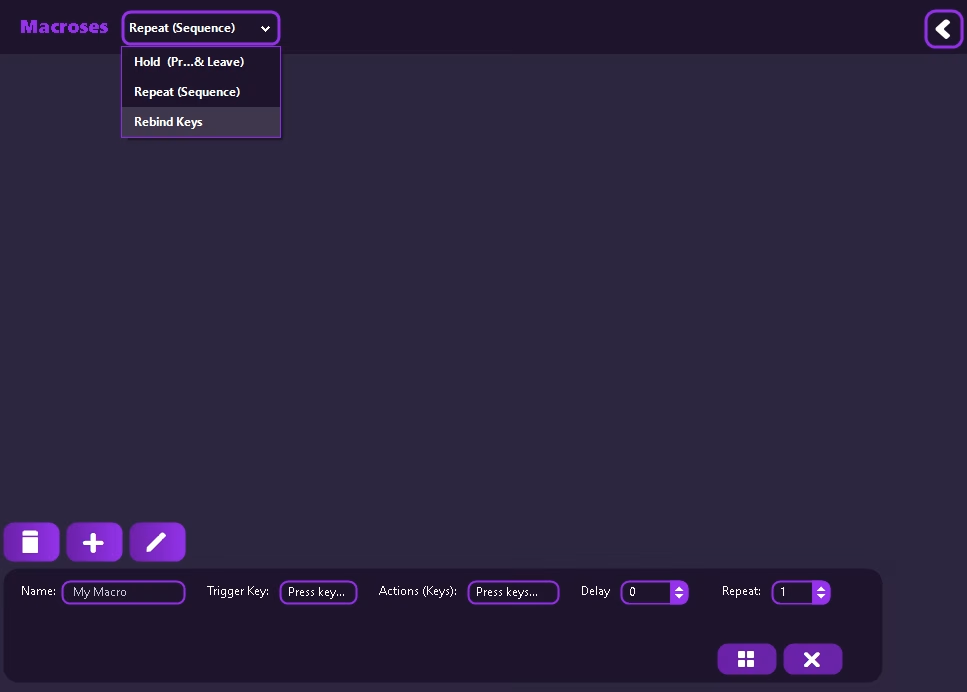
Create Hold, Repeat Sequence or Rebind macros. Full control over trigger, actions, delay and repeat count.
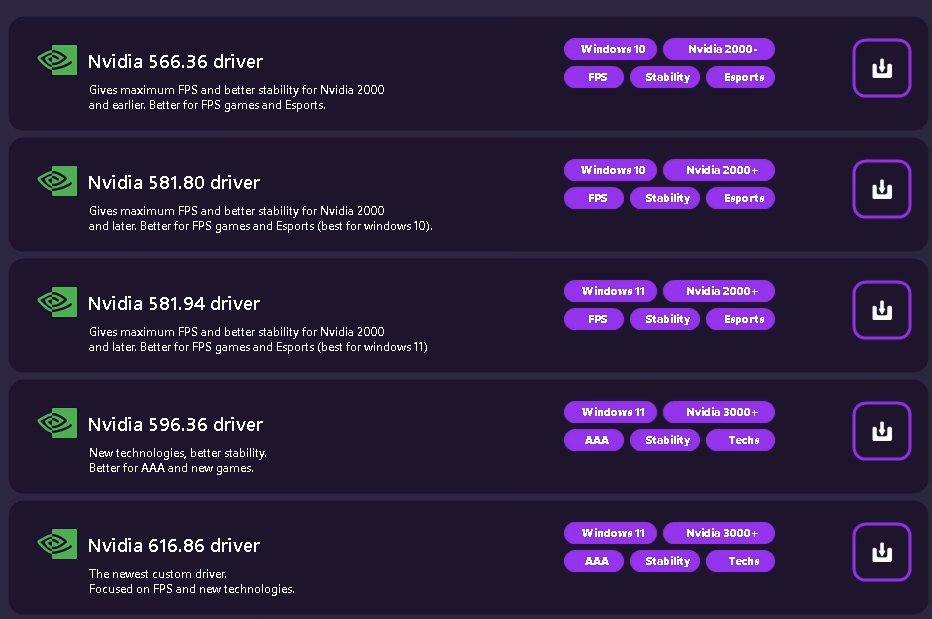
Curated Nvidia driver packages optimized for FPS, stability or new tech — tagged by Windows and GPU generation.
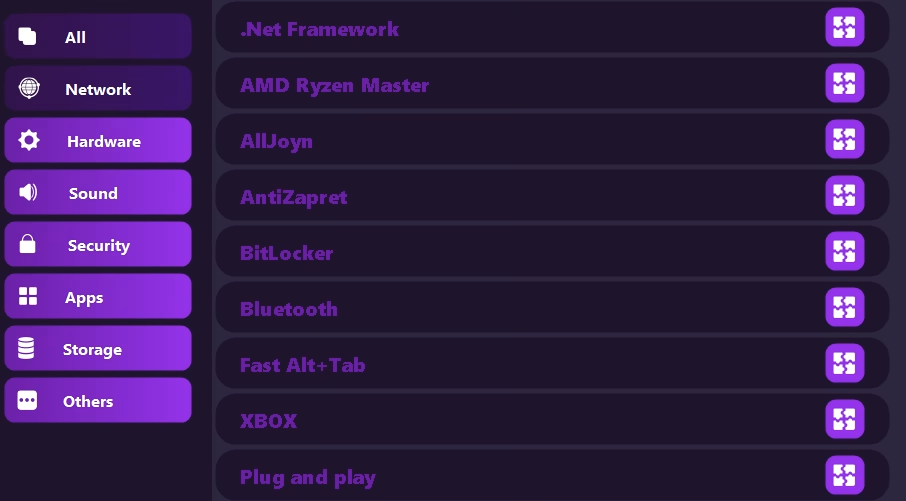
One-click fixes for .NET, Ryzen Master, BitLocker, Bluetooth, Xbox, Plug and Play and more — filtered by category.
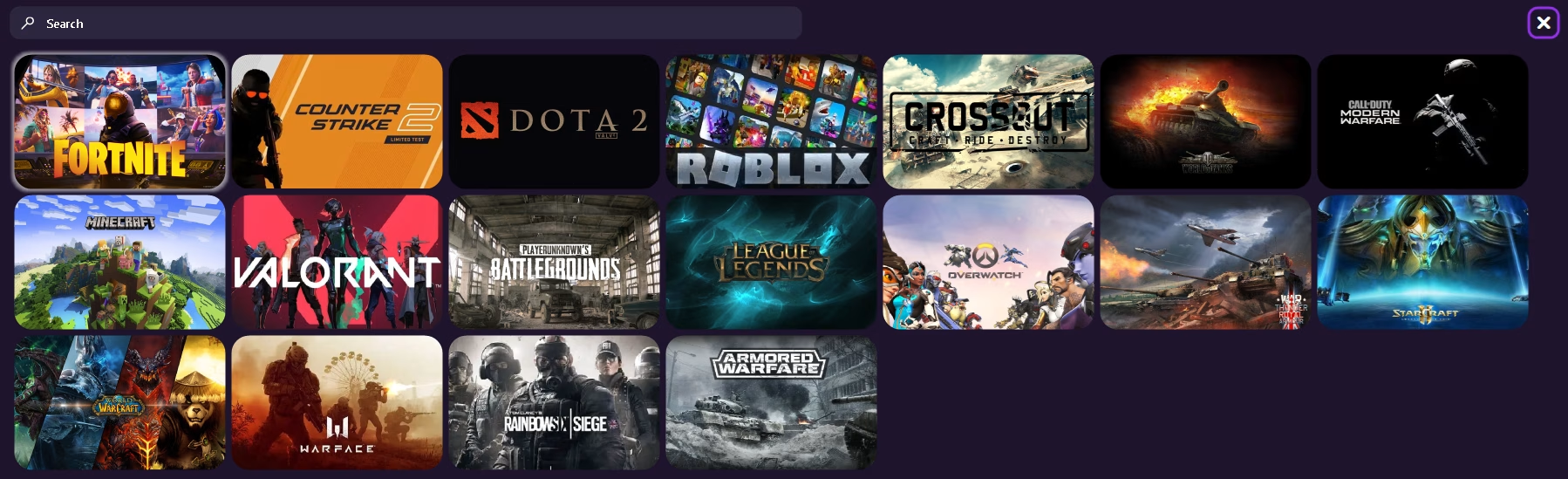
Quick profiles for popular games (CS2, Valorant, Fortnite, Warzone, LoL…). Apply game-specific optimizations instantly.
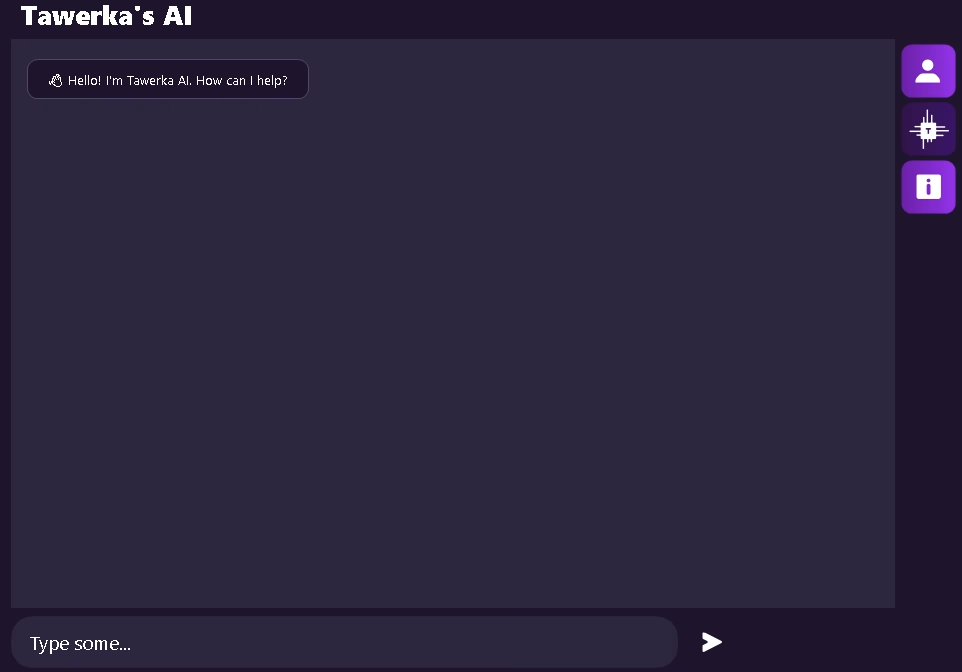
Built-in AI assistant that can answer questions about TBoost, Windows tweaks and your system.
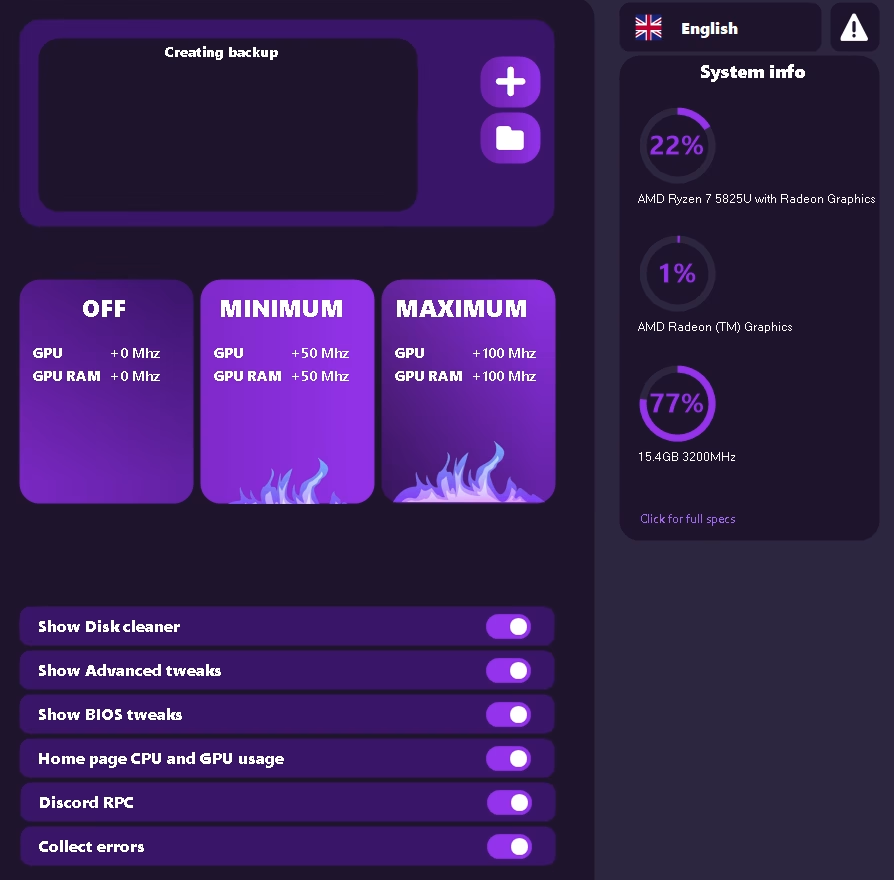
Create system backups before tweaking, toggle UI sections, Discord RPC, error collection and GPU OC presets.
Free includes Basic & General tweaks, timer tuning, advanced system info and GPU OC presets. Premium unlocks the deepest optimizers and system tools.
| Feature | Free | Premium |
|---|---|---|
| Main Dashboard & FPS Benchmark | ✓ | ✓ |
| BASIC + GENERAL tweaks | ✓ | ✓ |
| Timer resolution (tune timer) | ✓ | ✓ |
| Advanced system info (About System) | ✓ | ✓ |
| GPU OC presets | ✓ | ✓ |
| Solves | ✓ | ✓ |
| Macros, Custom Drivers, Apps to Boost | — | ✓ |
| PREMIUM tier tweaks | — | ✓ |
| CPU / GPU / RAM Optimizers | — | ✓ |
| Game Runner (core affinity + priority) | — | ✓ |
| AutoRuns, Services, Scheduled Tasks, Device Cleanup | — | ✓ |
| Interrupts & MSI Mode | — | ✓ |
| BCDEdit + BIOS power settings | — | ✓ |
| Custom Display timings | — | ✓ |
| Backups & rollback | — | ✓ |
| Priority support & lifetime updates | — | ✓ |